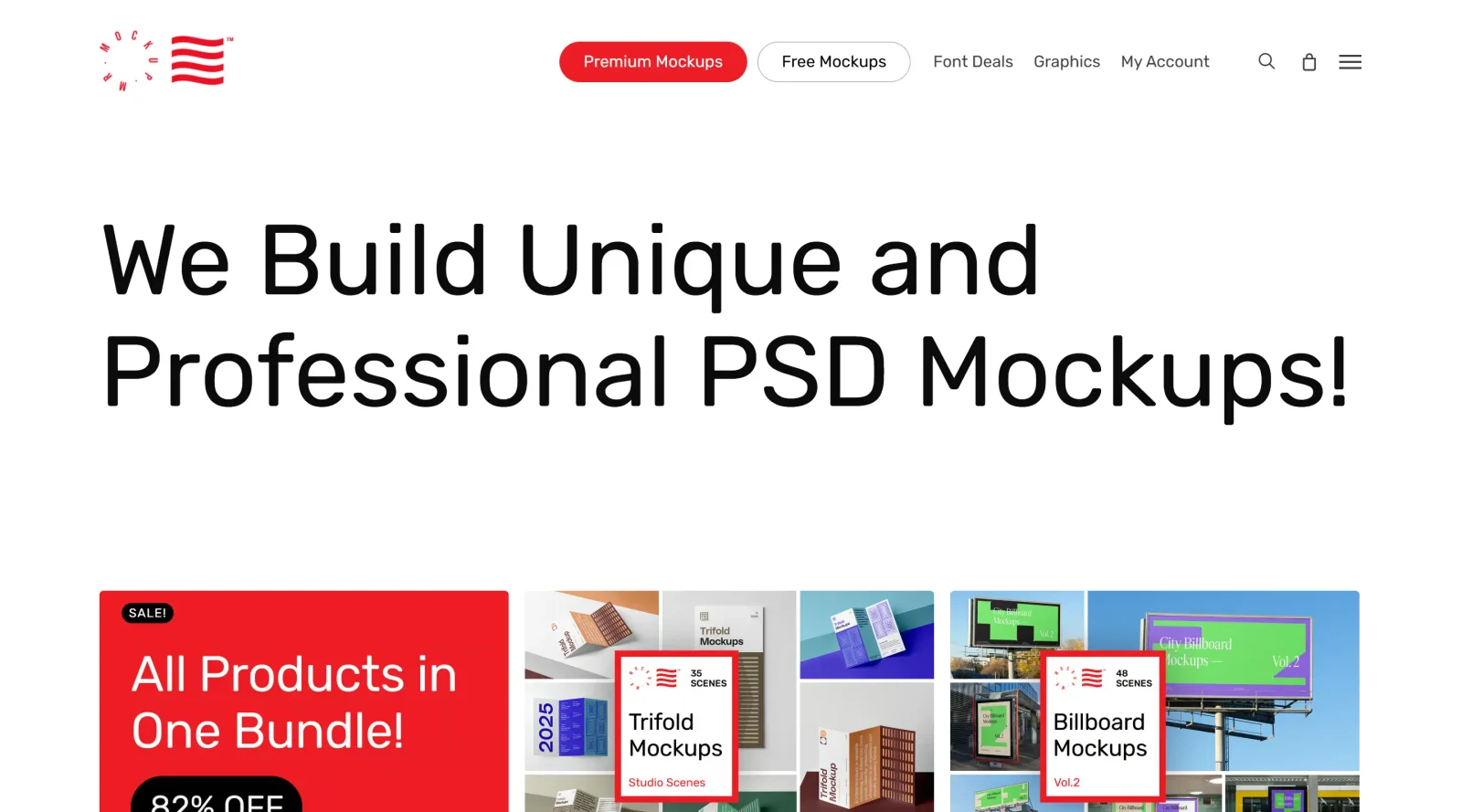
Mockup Poster PSD Templates
Mockup poster PSD templates for realistic scenes. Explore apparel mockups, tote bag mockups, coffee cup mockups, and billboards; check license terms.
Uwarp does not sell or host PSD files. Confirm current prices and license terms on mrmockup.com before client work.

- Category
- Mockup & Device Frames
- Subcategory
- Poster, Packaging & Apparel
- Pricing
- Paid
What are mockup poster PSD templates?
Mockup poster PSD templates from Mr.Mockup help you present branding and print designs in realistic scenes. Explore apparel mockups, tote bag mockups, coffee cup mockups, and billboard mockups for devices, posters, and outdoor advertising. If you searched for free apparel mockups or free tote bag mockups, note that Mr.Mockup is a paid store—verify any promotion and confirm the license before shipping client deliverables.
What Mr.Mockup offers
Core capabilities described on the official Mr.Mockup storefront.
- Scene-first mockup categories: Browse poster mockups, billboard mockups, signage mockups, coffee cup mockups, tote bag mockups, paper bag mockups, box mockups, and storefront scenes, plus MacBook cafe scenes and frame mockups for devices and outdoor advertising.
- Smart object workflows: Place designs through smart object layers in Photoshop for quick swaps while the scene lighting and perspective stay intact across poster, apparel, and packaging layouts.
- Print-ready resolution: Listings advertise high-resolution files (commonly 300 dpi) suitable for print decks as well as web presentations.
- Organized layer stacks: Files ship with structured layers and PDF user guides so teams can edit scenes without hunting through flattened artwork.
- License tiers: Standard licenses cover typical personal and commercial use within stated limits; extended licenses target larger teams and higher usage caps.
- Bundles and collections: Bundle products group many mockups with one-time purchase pricing, which helps agencies keep a consistent look across campaigns (for example, across apparel, posters, and outdoor scenes).
How teams use Mr.Mockup
Typical workflows that match how designers buy and apply PSD mockups.
- Pick a scene that matches the deliverable: Choose device frames for app screenshots, packaging scenes for CPG concepts, or billboard and sign mockup scenes for OOH pitches.
- Purchase the right license: Match standard vs extended licenses to your team size, impression limits, and whether products will be resold.
- Drop artwork into smart objects: Open the PSD in Photoshop, edit the linked smart object, save, and export PNG or JPG previews for decks, storefront listings, or internal reviews.
- Reuse collections across projects: Studio and outdoor bundles help agencies keep presentation quality consistent when many designers touch the same account, including mockup poster and merch variations.
Who Mr.Mockup is for
Roles and contexts where paid PSD mockups save time versus building scenes from scratch.
- Brand and packaging designers: Present logos, labels, and structural packaging on realistic product photography-style scenes.
- Product and marketing teams: Produce ecommerce-ready device and lifestyle visuals without a full photo shoot for every iteration, including apparel mockups and tote bag mockups for campaigns.
- Agencies with commercial limits: Teams that need documented license tiers for client work and can budget per mockup or bundle instead of only free assets.
- Print-on-demand and merch sellers: Generate apparel, tote bag mockups, coffee cup mockups, and promotional scenes for storefront listings and campaign reviews; check whether your license allows end-product sales.
Licensing and pricing notes
Facts to verify on mrmockup.com before you buy or publish.
- Paid storefront: Individual mockups and bundles are sold on the official site; public listings show prices such as $19–$49 per product and larger bundle discounts.
- Photoshop required: Files are PSD-based; you need Adobe Photoshop (or a compatible editor) to edit smart objects.
- Uwarp page type: This route is a curated documentation page on Uwarp. We do not embed the store or host downloads—use Visit Mr.Mockup to purchase.
- Canonical URL: Uwarp documents the tool at /mr-mockup; the live catalog and checkout live on mrmockup.com.
Frequently Asked Questions
Have questions? We have answers.
Related tools
More tools from Mockup & Device Frames.