- Free Modern Fonts
- Fonts for Designer
- Best Sites for Free Fonts
- Fontshare
Best Free Modern Font Sites for Designers
Compare Fontshare, Google Fonts, Font Squirrel, FreebiesBug, and DaFont for free modern fonts—licenses, quality, and when each site fits designer work.

Sherotree
·9 min read
Designers searching for best sites for free fonts, free modern fonts, or fonts for designer workflows usually need more than a dump of ZIP files. They need readable licenses, contemporary families that hold up in UI and branding, and a clear path to commercial use.
This guide ranks the best free modern font sites for designers by fit—not raw catalog size—and maps each site to a real job. Start with the curated Fontshare overview at Fontshare when you want foundry-grade free typefaces; use the other sites when you need open-source hosting, commercial-use filters, discovery directories, or display volume.
Key Takeaways
- For distinctive free modern typefaces, start with Fontshare (ITF free program)—then verify each family’s license before ship.
- Google Fonts remains the largest open-source library (~1,940+ families) and the default for web stacks; self-host when privacy or performance matters.
- Use Font Squirrel when you need hand-picked commercial-use filters and a webfont generator; treat DaFont as display/volume only after checking every license.
Quick comparison: which free font site fits which job?
| Site | Best for | License surface | Catalog shape | Designer caveat |
|---|---|---|---|---|
| Fontshare | Brand/UI modern sans & display | Per-family (many ITF FFL; some OFL)—read each page | Curated foundry freebies | Free to use ≠ always open-source redistribute |
| Google Fonts | Web defaults, multilingual, OFL stacks | Mostly SIL OFL / open licenses | ~1,940+ families | Many faces feel “everywhere”; personality is optional |
| Font Squirrel | Commercial-use filtering + webfont tools | Desktop/web/ebook/app markers + license text | Hand-picked quality focus | UI is older; still excellent for compliance checks |
| FreebiesBug | Discovering font + kit freebies in one place | Varies by original author | Directory of freebies | Always click through to the foundry/source license |
| DaFont | Display, novelty, personal projects | Mix of personal-only and commercial | Huge, author-uploaded | High volume; license risk if you skip the fine print |
1. Fontshare — free modern typefaces with foundry polish
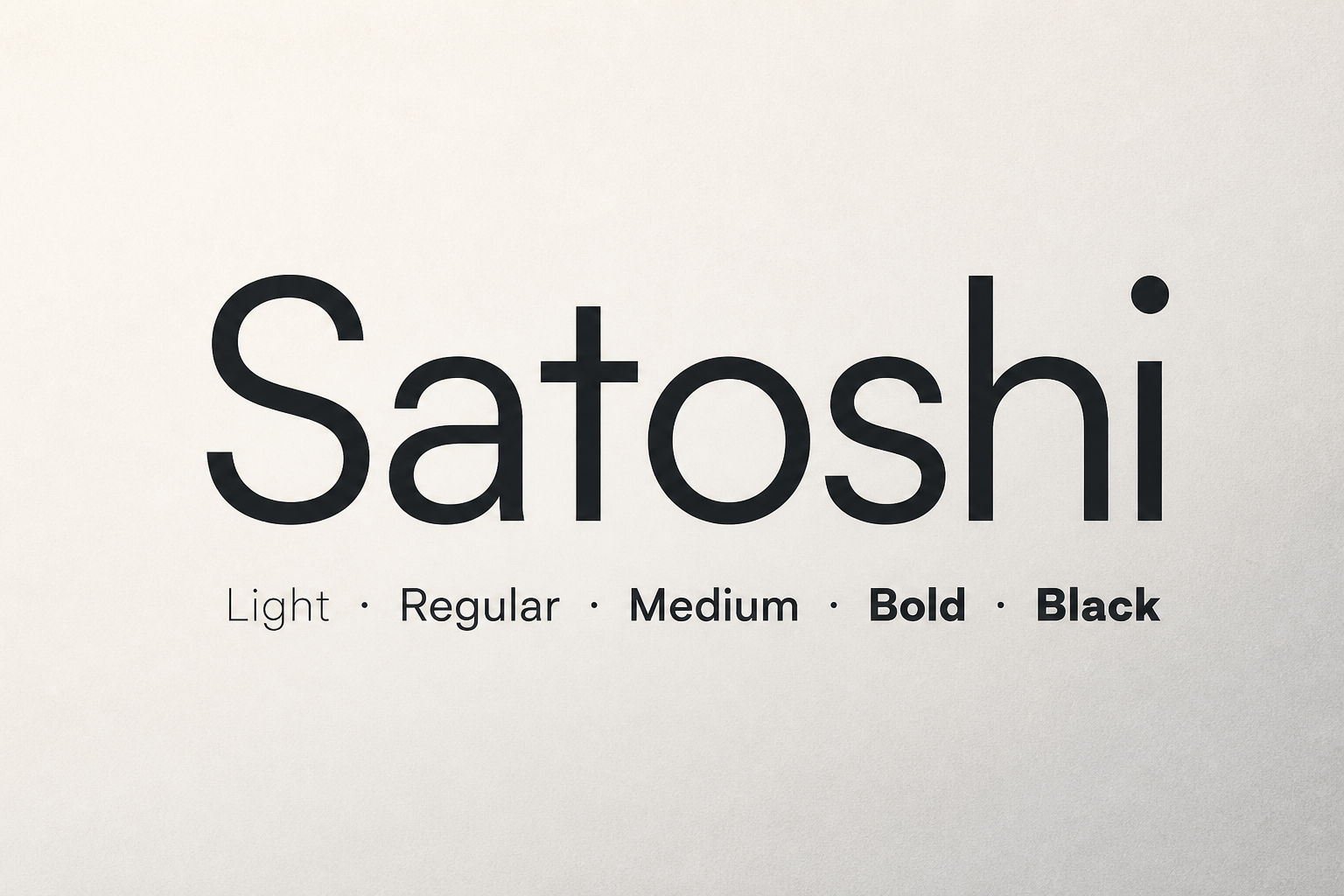
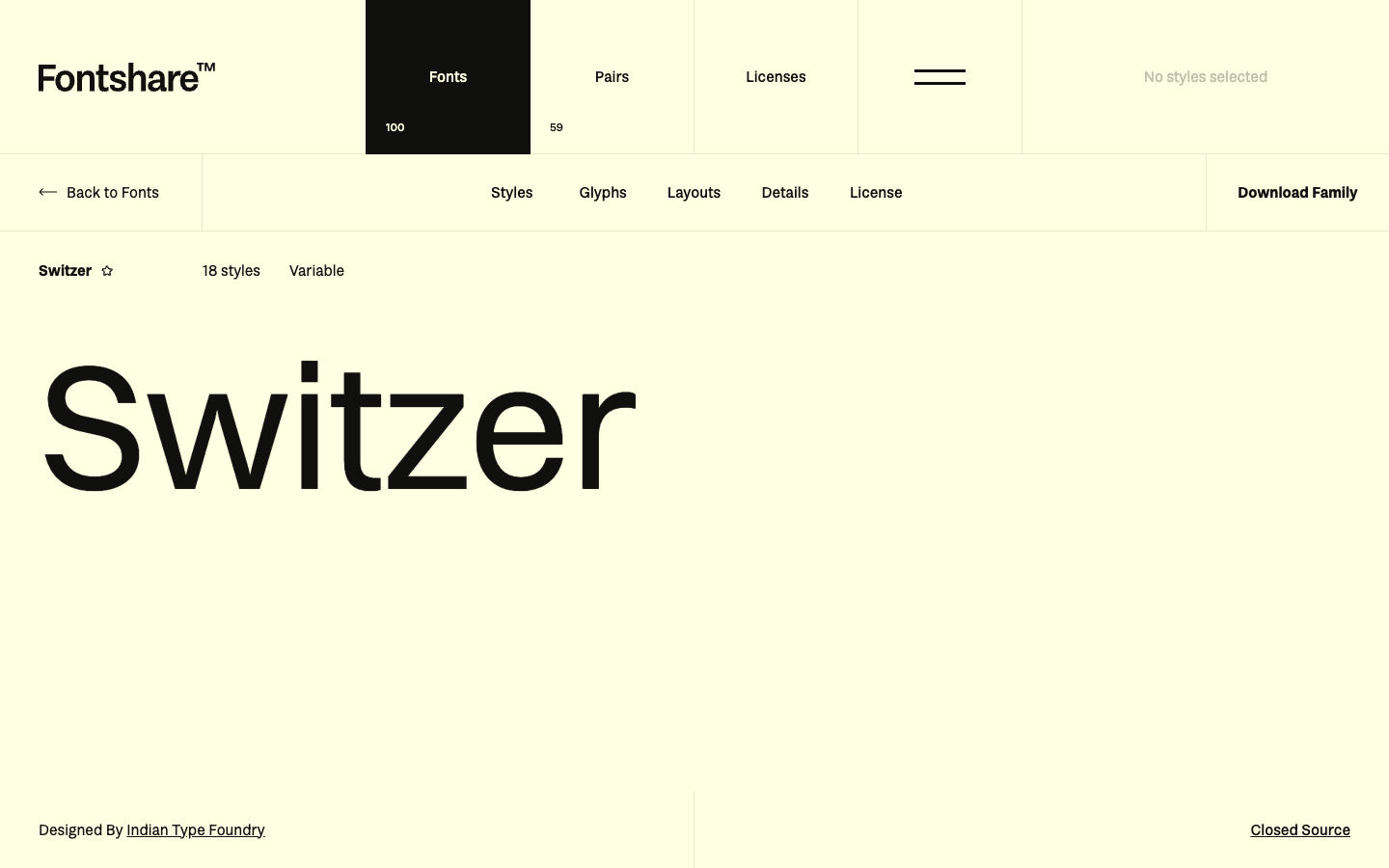
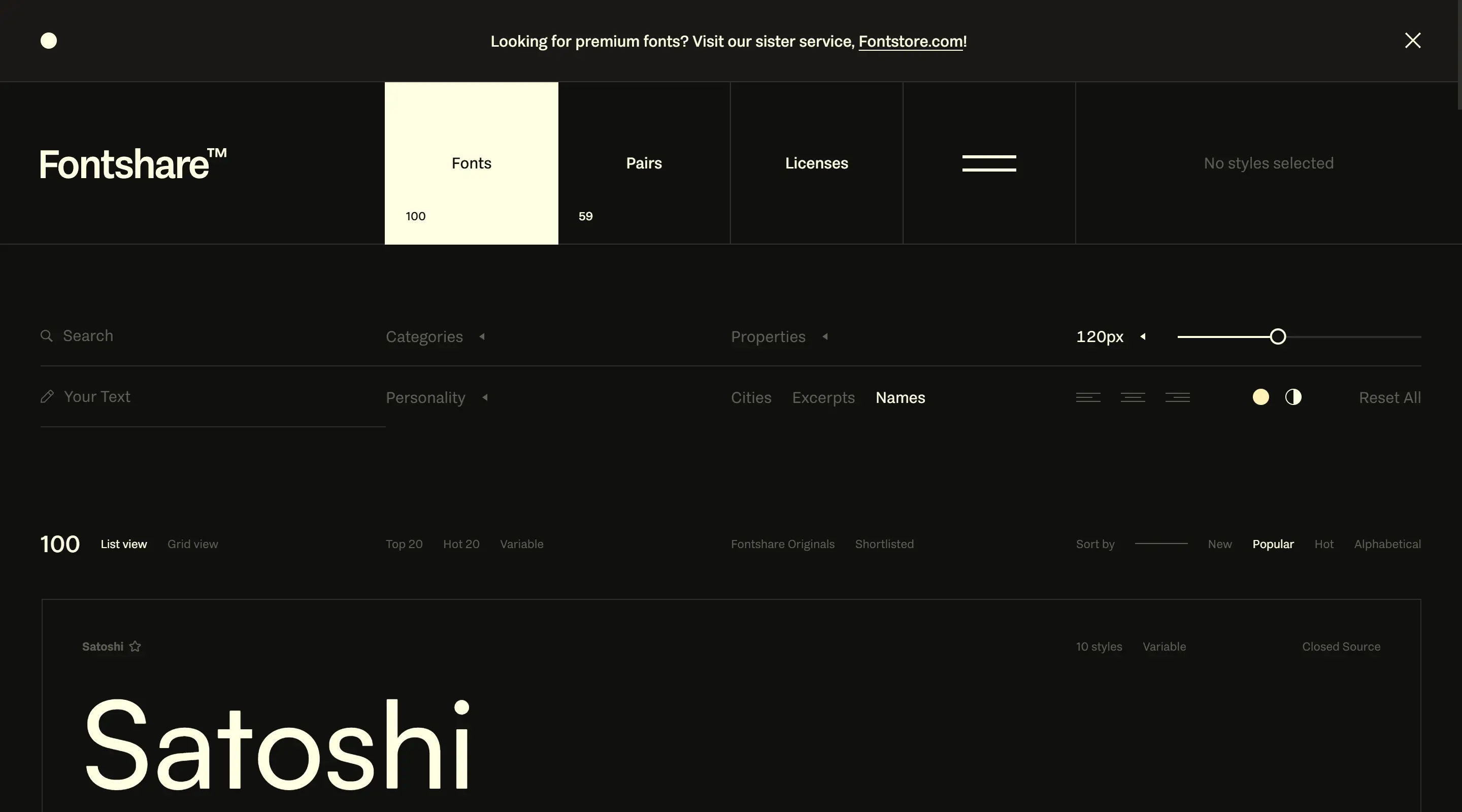
Fontshare is the Indian Type Foundry’s free font program: contemporary families (Satoshi, Switzer, Clash Grotesk, Space Grotesk, and more) released for personal and commercial use under named licenses. It answers searches for free modern fonts, free modern typefaces, professional fonts, and fonts for designer branding when Google’s defaults feel too generic.
Use Fontshare when you need:
- A curated set of pro fonts that look retail, not hobby
- Built-in pairing ideas and variable packages
- A legitimate commercial path without a Creative Cloud seat
Watch for: “Free” on Fontshare often means free to use in finished work under the family’s EULA—not necessarily SIL OFL with full redistribution and modification rights. Satoshi, for example, uses the ITF Free Font License; details live in the Satoshi font guide.
Browse the catalog at fontshare.com or the selection notes on Fontshare.
2. Google Fonts — open-source library and web default
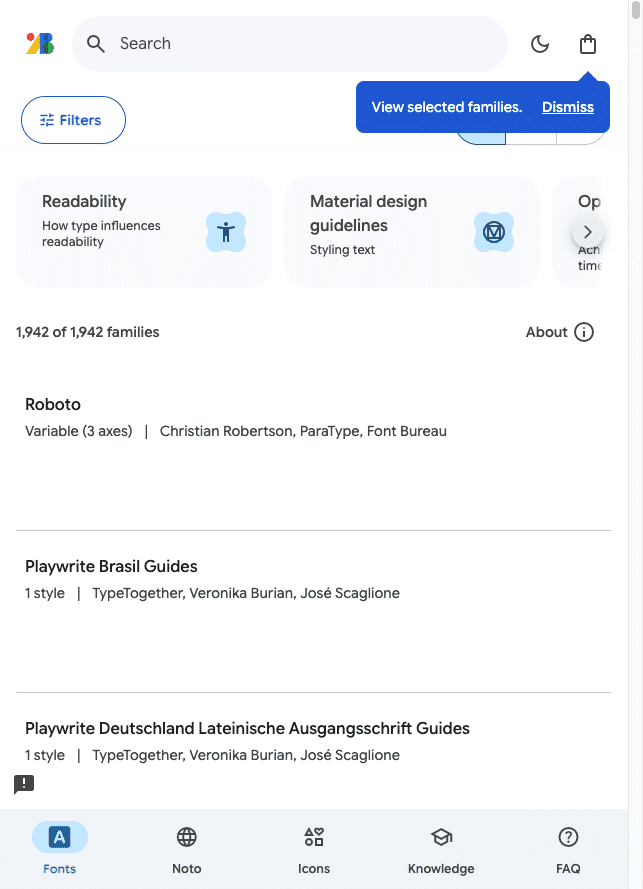
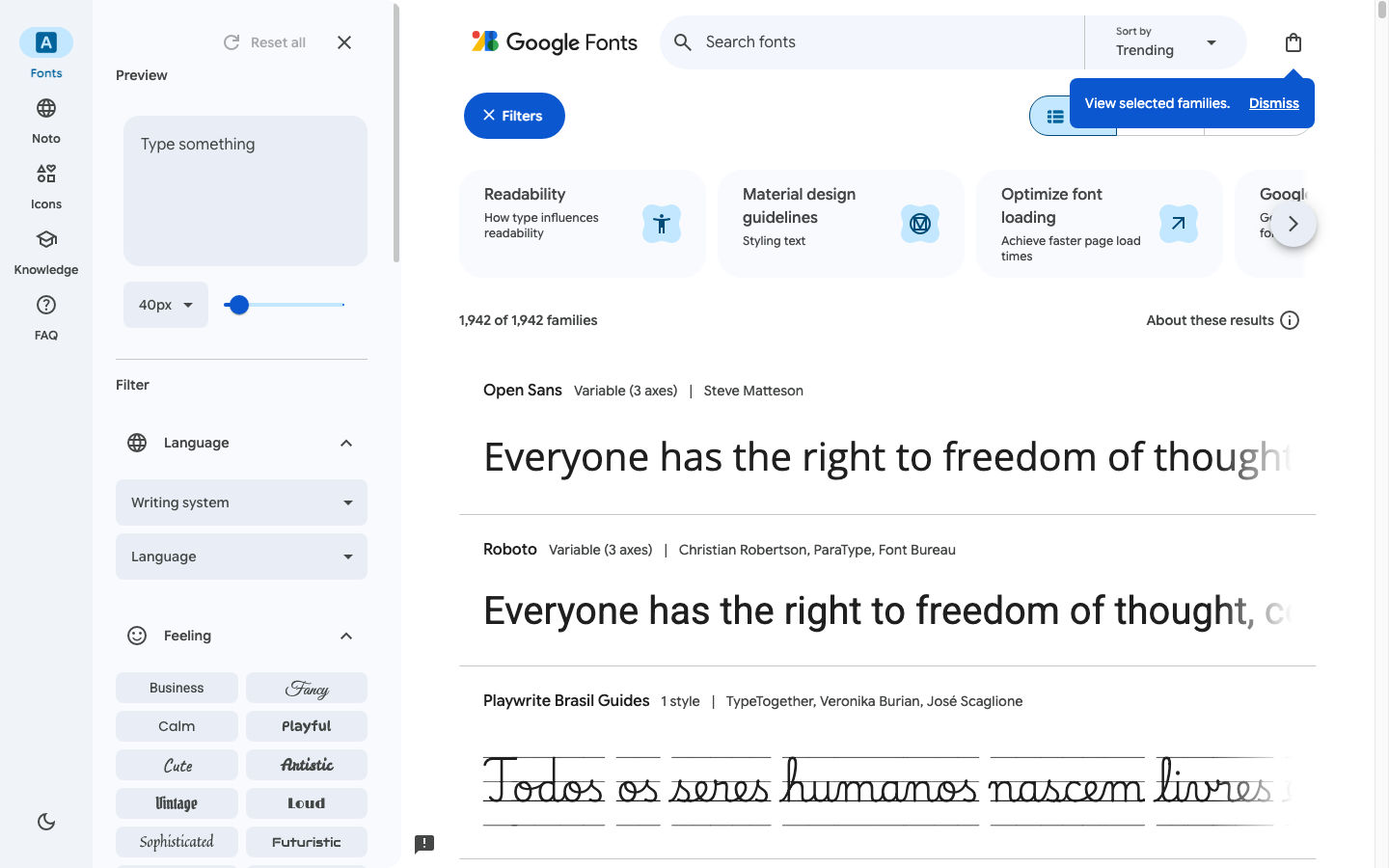
Google Fonts is still the largest free open-source type library for the web. Live browse counts sit around 1,940+ families, with strong variable-font coverage, language filters, and one-click CSS or download packages. Most families use permissive licenses such as the SIL Open Font License—confirm on each family page.
Use Google Fonts when you need:
- Reliable webfont delivery or easy self-host packages
- Broad script coverage and OFL-friendly redistribution rules
- Neutral UI workhorses (Inter, Roboto, Source Sans, etc.)
Watch for: Popularity works both ways. Inter and Roboto are excellent engineering defaults; they rarely differentiate a brand. For a more distinctive free modern stack, pair a Google body face with a Fontshare display, or swap the primary sans entirely.
Privacy note: hotlinking Google’s CDN can raise GDPR/cookie concerns in some jurisdictions. Many teams download and self-host, or use a privacy-oriented CDN mirror, instead of loading fonts from fonts.googleapis.com in production.
3. Font Squirrel — commercial-use filters and webfont tools
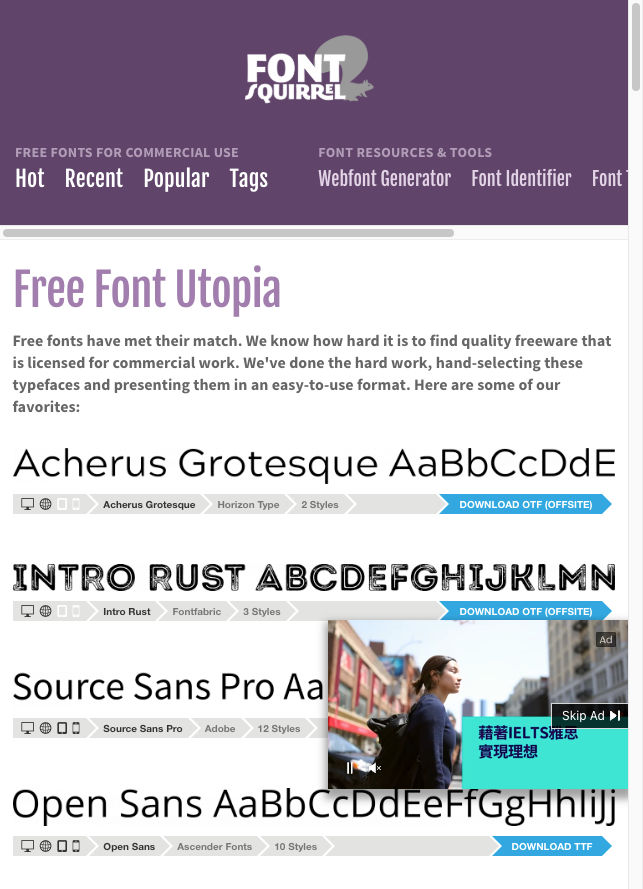
Font Squirrel focuses on “legit free & quality” typefaces for commercial work. Its filters expose desktop, webfont, ebook, and application permissions before you download, and the Webfont Generator remains a practical tool when you need WOFF2 packages and @font-face CSS from a desktop file you are allowed to convert.
Use Font Squirrel when you need:
- A shortlist biased toward commercial-friendly free fonts
- License icons you can scan before opening a ZIP
- A webfont build step outside foundry portals
Watch for: The catalog is curated, not infinite. Some downloads send you offsite to the original foundry—follow that path and keep the license PDF with the project files.
4. FreebiesBug — font discovery mixed with design kits
FreebiesBug is a hand-curated directory of free design resources—fonts plus PSD/Figma kits and mockups. It is useful when you are hunting free contemporary fonts alongside assets for the same pitch, not when you need a structured foundry catalog with pairing tools.
Use FreebiesBug when you need:
- Serendipitous discovery across fonts and mockups
- Zero-friction browsing without marketplace accounts
- A bridge from “I need a free font” to “I also need a device mockup”
Watch for: License notes on directory cards are inconsistent. Always open the original source before client delivery. Deeper workflow notes: FreebiesBug: Free Design Resources, Fonts, and Mockups and the embed at Freebiesbug.
5. DaFont — volume and display (check every license)
DaFont remains one of the highest-traffic free font archives. It shines for display, novelty, and personal experiments—and it is a poor default for production brand systems unless you verify commercial terms on every download.
Use DaFont when you need:
- Fast browsing of decorative and themed display faces
- Inspiration for posters, games, or personal side projects
Skip DaFont as the primary source when you need:
- Clear, uniform commercial licensing across a design system
- Variable families and professional spacing for long UI text
Open DaFont through DaFont when you intentionally want that archive; do not treat “free download” as “free for client logos.”
How designers should pick a free modern font site
Match the site to the deliverable:
- Brand identity / distinctive UI → Fontshare first; document the family license in the brand deck.
- Product UI + multilingual web → Google Fonts (prefer self-host for control).
- Client work with strict “must be commercial-use free” → Font Squirrel filters, then confirm the foundry text.
- Moodboards and freebie kits → FreebiesBug, then jump to the real license.
- One-off display experiments → DaFont, with a written license check before anything ships.
After you choose families, lock a type scale with Typescale and explore pairings with Fontjoy (strong for Google Fonts partners). Fontshare’s own pairs section covers its catalog better than Fontjoy for Satoshi-class families.
License checklist before you ship
Use this on every free font—regardless of site:
| Check | Why it matters |
|---|---|
| Personal vs commercial grant | “Free for personal use” fails client work |
| Modify / subset / redistribute files | Many free fonts ban sharing OTF/TTF with printers or repos |
| Web embed / app / ebook rights | Desktop-only grants break product and EPUB delivery |
| Attribution requirements | Some OFL variants and freebies still ask for credit |
| Live license URL saved in the project | Licenses change; screenshots of the day you downloaded help audits |
Free modern and professional font quality are orthogonal to open source. Fontshare can be professional and free while remaining closed-source free; Google Fonts is usually open source and free. Choose based on the rights you need, not the homepage slogan.
FAQ
What are the best sites for free fonts for designers in 2026?
For most professional work: Fontshare (distinctive free modern families), Google Fonts (open-source web defaults), and Font Squirrel (commercial-use filtering). Add FreebiesBug for discovery and DaFont only for display experiments after a license check.
Are free modern fonts safe for commercial client work?
Often yes—when the license explicitly allows commercial use. Fontshare’s program and most Google Fonts families are built for that path, but each family page is the source of truth. DaFont and mixed directories require per-file review.
Fontshare vs Google Fonts: which should I use?
Use Fontshare when you want foundry-curated personality and free commercial use under ITF/family licenses. Use Google Fonts when you need the widest open-source catalog, language coverage, and familiar webfont tooling. Many teams mix both: Fontshare for brand, Google for system UI or secondary languages.
Where do I find free font pairing ideas?
Fontshare’s pairs section for its own catalog; Fontjoy for AI pairings across Google Fonts; then validate on real UI copy and lock sizes with Typescale.
Is DaFont good for professional fonts?
Only selectively. DaFont’s strength is volume and display styles, not uniform commercial licensing. Prefer Fontshare, Google Fonts, or Font Squirrel for production systems.
Start here
- Open Fontshare (or fontshare.com) for free modern, designer-facing families.
- Keep Google Fonts and Font Squirrel for OFL defaults and commercial-use filtering.
- Save each family’s license URL with the project, load only the weights you need, and set scale/pairings with Typescale and Fontjoy.
The best free modern font sites for designers are the ones that match your license risk and brand goals—not the ones with the biggest download count. )
Enjoyed this story? Share it or follow on Google.